> ## Documentation Index
> Fetch the complete documentation index at: https://docs.leedab.com/llms.txt
> Use this file to discover all available pages before exploring further.
# The COO
> The orchestrator that ties your operators together.
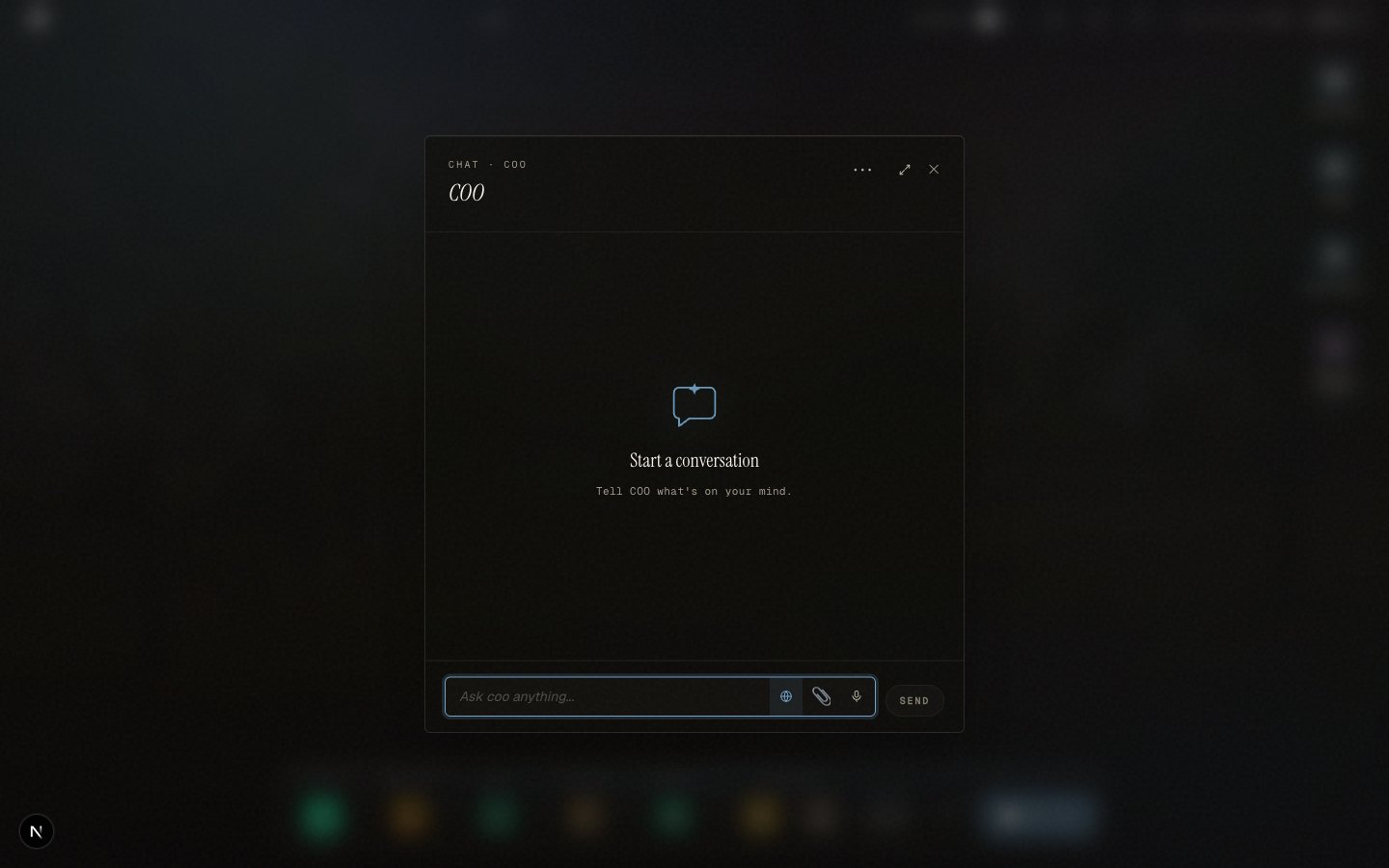
Every workspace has a **COO**, the operator that ties the rest of the team together. It is not a tab you visit. It is a presence on every screen, top-left, so you can act from wherever you are.
 ## It surfaces what needs a call
The moment you open a workspace, the COO has already looked across the operation and surfaced what needs a human decision: an approval waiting on you, a deadline slipping, a record that does not reconcile. Each item stays until it is resolved, so nothing quietly slips.
## It drafts the action for you
When you act on one of those items, the COO drafts the exact command, runs it against your live data, and shows you the result, including the before-and-after of what changed. From the same command bar it ranks what needs handling next, live.
## It answers from the same brain
Ask the COO a question and it reads the same live data the rest of the workspace reads. The answer is not generic text, it cites your real numbers, the same ones on screen. One brain, one set of numbers, everywhere.
## It routes the work
When a request crosses into another operator's area or needs a higher authority, the COO routes it to the right place and the right approver, rather than acting outside its remit.
Governance and audit keep every action inside its authority and on the record.
## It surfaces what needs a call
The moment you open a workspace, the COO has already looked across the operation and surfaced what needs a human decision: an approval waiting on you, a deadline slipping, a record that does not reconcile. Each item stays until it is resolved, so nothing quietly slips.
## It drafts the action for you
When you act on one of those items, the COO drafts the exact command, runs it against your live data, and shows you the result, including the before-and-after of what changed. From the same command bar it ranks what needs handling next, live.
## It answers from the same brain
Ask the COO a question and it reads the same live data the rest of the workspace reads. The answer is not generic text, it cites your real numbers, the same ones on screen. One brain, one set of numbers, everywhere.
## It routes the work
When a request crosses into another operator's area or needs a higher authority, the COO routes it to the right place and the right approver, rather than acting outside its remit.
Governance and audit keep every action inside its authority and on the record.